KorailTalk Missing? How to Use KORAIL+ for KTX and Suseo Train Bookings
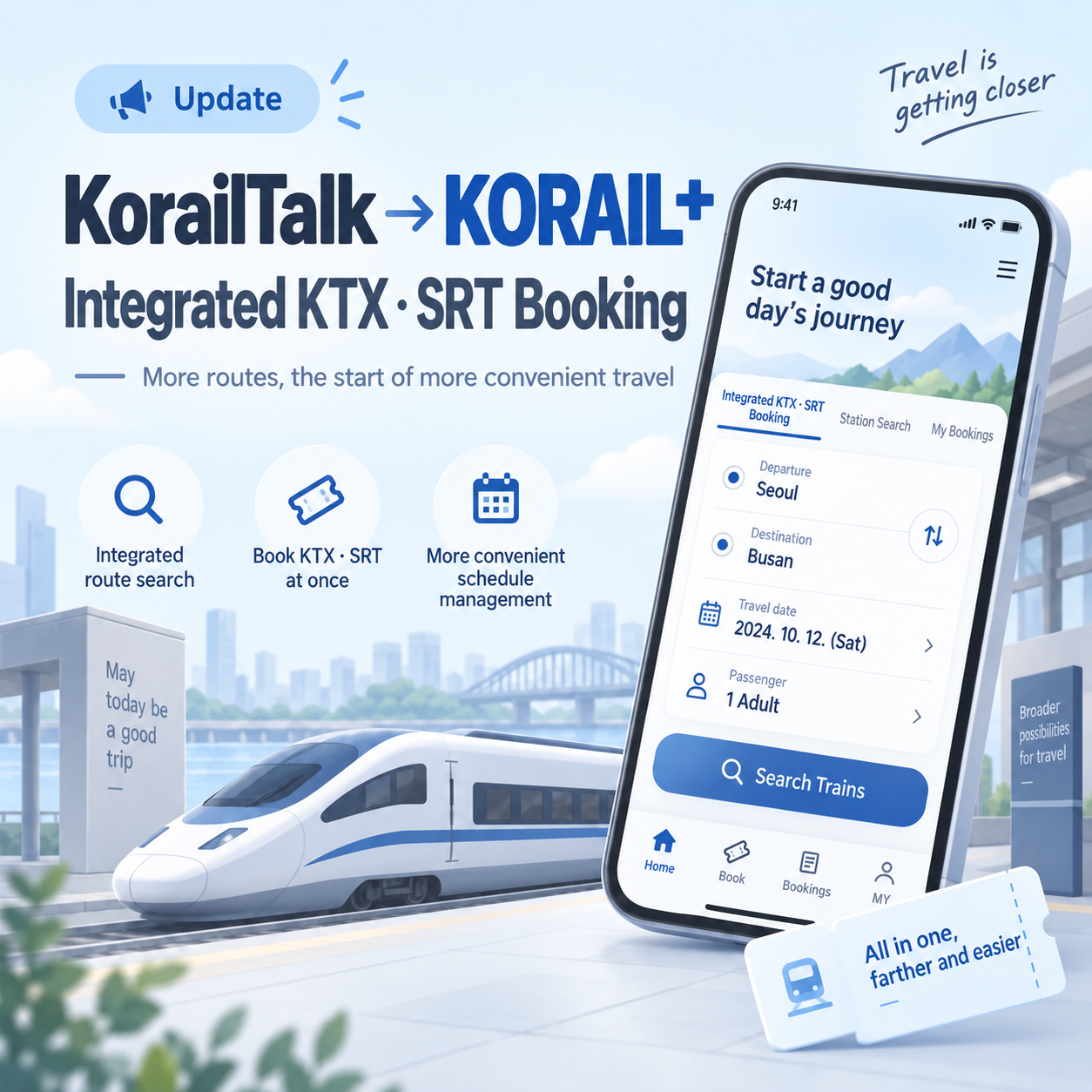
If you can no longer find KorailTalk on your phone, check for KORAIL+ first. KorailTalk was not removed and replaced by a completely separate new app. After the app update, its name and interface changed to KORAIL+. Existing Korail members can log in with the same account without signing up again.
After checking the updated app directly, the most noticeable change was that KTX trains and high-speed trains departing from Suseo can now be searched in the same app. This reduces the need to switch between apps when comparing trains departing from Seoul Station and Suseo Station.
Was KorailTalk replaced by a new KORAIL+ app?
KORAIL+ is not a separate service that requires previous KorailTalk users to create a new account from scratch. Updating the existing KorailTalk app changes its name and interface to KORAIL+.
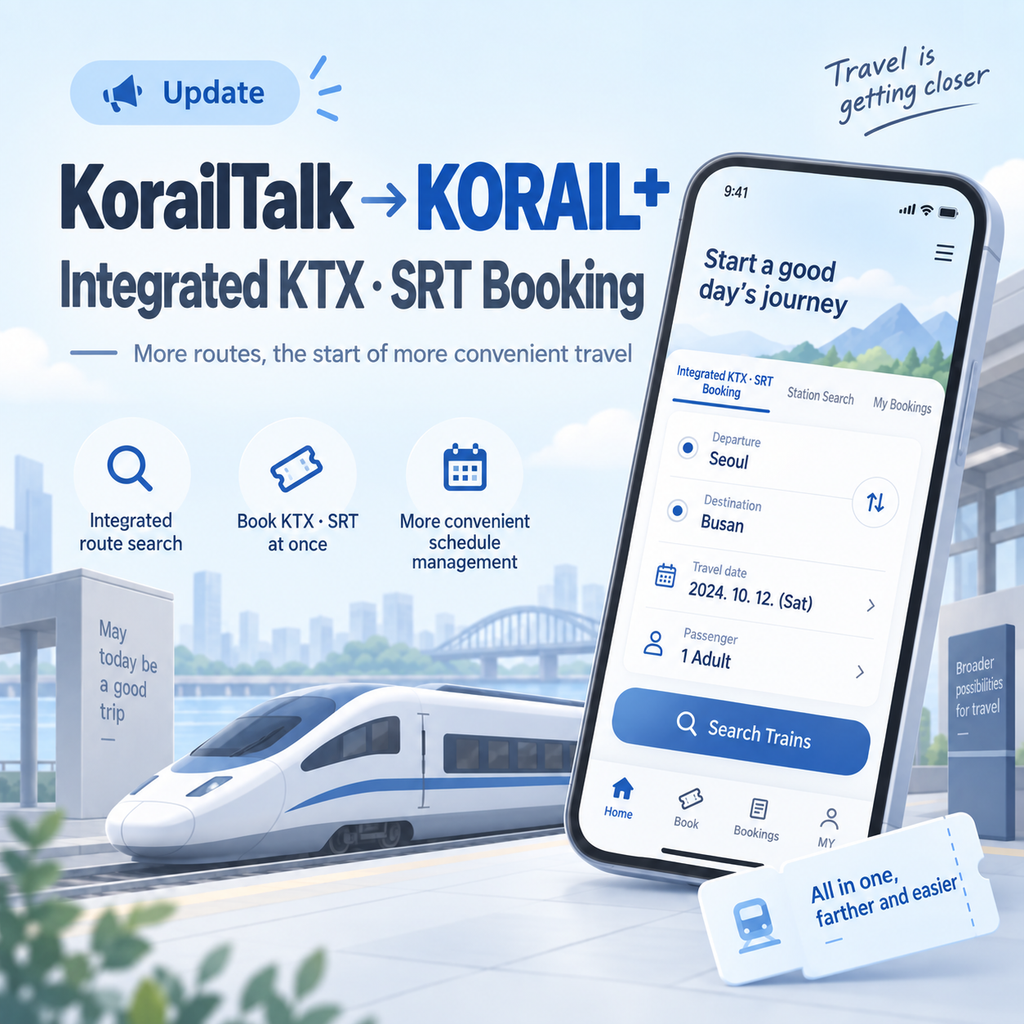
If you were already using KorailTalk, first check whether an update is available in the App Store or Play Store. If automatic updates are enabled, the app icon may already have changed to KORAIL+ even if you did not update it manually.

Can I still use my existing Korail account and booked tickets?
Existing Korail members can log in to KORAIL+ with the account they used for KorailTalk. A new membership registration is not required just because the app name has changed.
Tickets previously booked through Korail do not disappear simply because the app was updated. After logging in, they can be checked under My Tickets.
However, if you already purchased tickets in the existing SRT app, it is better to check those reservations before deleting the SRT app.
How to search KTX and Suseo departures together in KORAIL+
One of the changes in KORAIL+ is how train searches are handled. Previously, it was common to use KorailTalk for KTX departures from Seoul Station and check the SRT app separately for trains departing from Suseo Station.
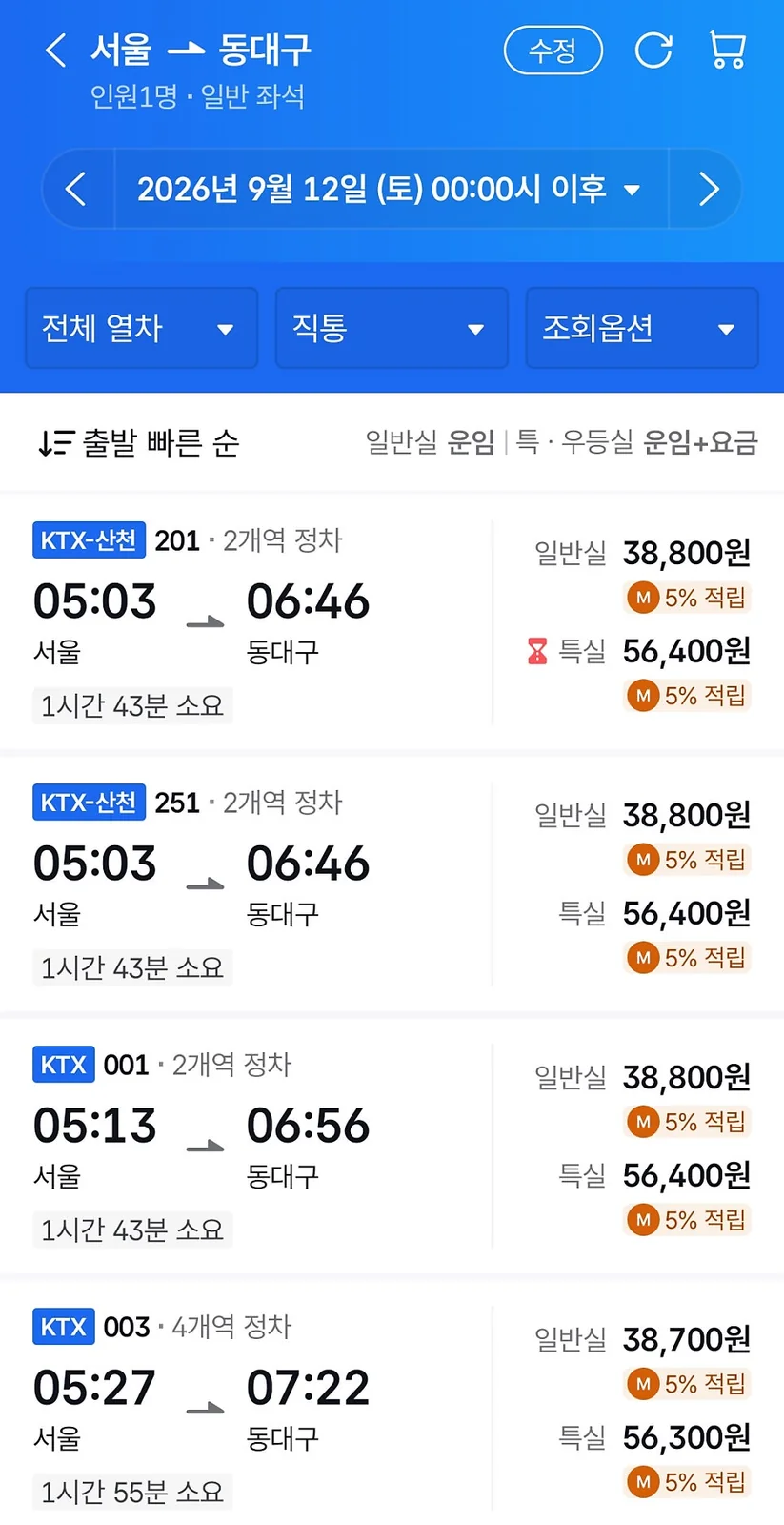
In KORAIL+, trains departing from Seoul and Suseo can be searched in the same app. For example, you can search separately for a Seoul-to-Busan train and a Suseo-to-Busan train within KORAIL+.
This is convenient if you want to compare departure times before deciding whether to use Seoul Station or Suseo Station, because you no longer need to keep switching between multiple apps.
What if “SRT” does not appear in the search results?
If you search for a train departing from Suseo in KORAIL+ and do not see the familiar SRT label, it can be confusing. On the interface checked directly, it was easier to understand the search by focusing on the departure station, such as Suseo Station, Dongtan Station, or PyeongtaekJije Station.
For example, if you are traveling from Suseo to Busan, the simple approach is to enter Suseo as the departure station and Busan as the destination instead of searching for the train name first.
How to book a train ticket in KORAIL+
The basic booking process is straightforward. Open the Ticket Booking menu in KORAIL+, enter the required conditions, and search for a train.
- Open KORAIL+.
- Go to Ticket Booking.
- Select your departure and destination stations.
- Set the departure date and number of passengers.
- Select the train you want from the search results.
- Choose a seat and complete payment.
Instead of deciding which app to open based on whether you want KTX or SRT, it is easier to start by entering the departure and destination stations you plan to use.
What changed in the KORAIL+ interface?
KORAIL+ also differs from the previous KorailTalk app in its screen layout.
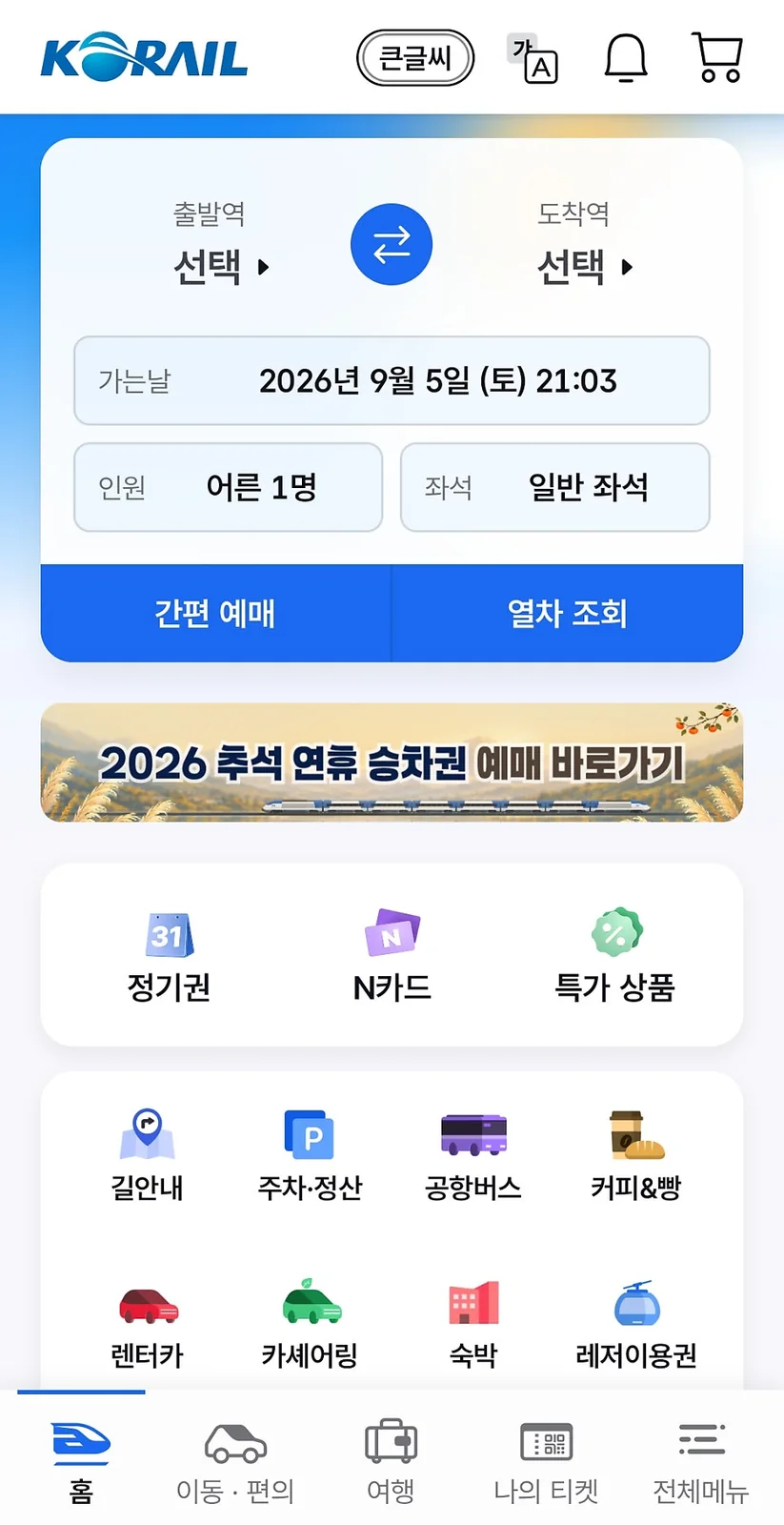
Rather than being only a screen for searching train tickets, it brings together functions such as Tickets, My Tickets, Mobility & Convenience, and Travel Services in one place.
How to cancel a ticket booked in KORAIL+
If you want to cancel a ticket but cannot find a separate “Cancel” menu, look for Return instead.
- Open My Tickets in KORAIL+.
- Select the booked ticket.
- Select Return.
- Check the refund amount at the final step.
Korail may label the ticket cancellation function as “Return,” so searching only for the word “Cancel” can make the option easy to miss.
A penalty may also apply if you return a ticket close to the train’s departure time, so check the displayed refund amount before completing the return.
Can I delete the SRT app now?
When booking a new high-speed train, KORAIL+ can also search trains departing from Suseo, so there is less need than before to constantly switch between two apps.
However, if you already have tickets purchased in the existing SRT app, it is better not to delete the app immediately. Check any existing reservations in the SRT app first and then decide whether you still need it.
KorailTalk to KORAIL+: key changes at a glance
| What to check | What was confirmed in KORAIL+ |
|---|---|
| KorailTalk app | Name and interface change to KORAIL+ after updating |
| Existing Korail account | Existing account can be used without signing up again |
| Existing Korail tickets | Available under My Tickets |
| KTX booking | Available in KORAIL+ |
| Suseo departures | Can be searched in KORAIL+ |
| Ticket cancellation | Select Return under My Tickets |
| Existing SRT app | Recommended to keep until existing reservations are checked |
KORAIL+ FAQ
Do I need to reinstall KorailTalk?
If you were already using KorailTalk, first check whether the app has been updated. The app changes its name and interface to KORAIL+ after the update, so there is no need to create a new account.
Can I search for trains departing from Suseo in KORAIL+?
In the KORAIL+ app checked directly, Suseo could be selected as the departure station when searching for trains. It was convenient to compare departures from Seoul Station and Suseo Station within a single app.
What if I cannot find the ticket cancellation button?
Check My Tickets → booked ticket → Return. Before completing the return, it is also a good idea to check the refund amount displayed on the screen.
Can I delete the SRT app immediately?
If you do not have any tickets already booked in the existing SRT app, you can check KORAIL+ first when searching for new trains. If you already have a reservation, however, check that booking before deciding whether to delete the app.
Screens and booking process checked after the KORAIL+ update
The updated interface checked directly after KorailTalk changed to KORAIL+, along with the process of searching KTX and Suseo departures, can also be seen in the direct KORAIL+ screen and usage record.